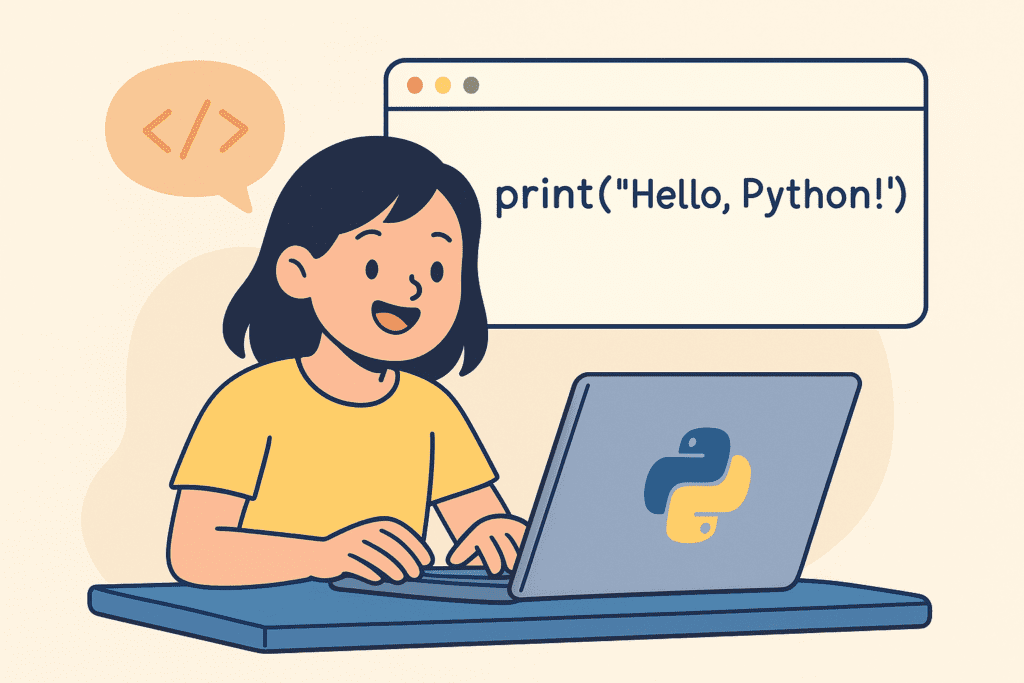
Welcome to a big moment — your very first Python program 🎉
If this is your first time coding, don’t worry. You don’t need to be good at math, you don’t need to be “smart”, and you definitely don’t need experience.
You just need curiosity.
By the end of this lesson, you will:
Let’s begin 🐾
A Python program is a set of instructions written for a computer.
Just like a recipe tells you how to make a cake,
a Python program tells the computer what to do.
These instructions are written inside a file called a script.
A script is simply a file that contains Python code.
Python script files always end with:
.pyExample:
hello.pyInside this file, we write instructions line by line.
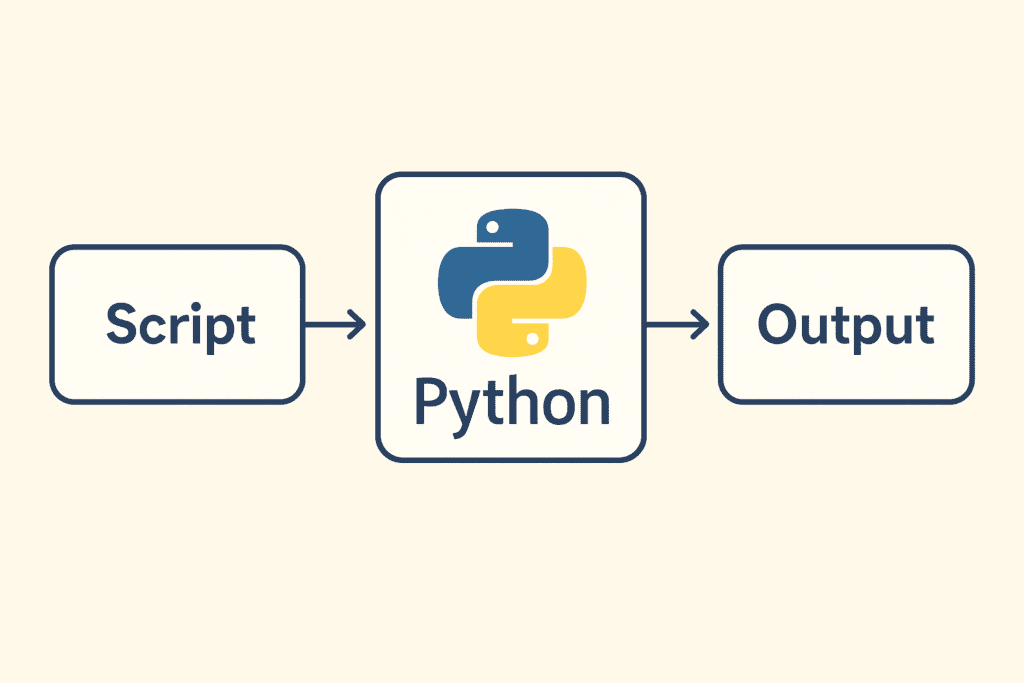
print()The most famous beginner instruction in Python is:
print()The print() function tells Python:
👉 “Show something on the screen.”
Type this code exactly as shown:
print("Hello, Python Cubs!")Now run the program.
🎉 Output:
Hello, Python Cubs!Congratulations — you just wrote your first Python program 🥳
print() Examples (Try These!)print("My name is Alex")print("I am learning Python!")print(5 + 10)print("🐍🐍🐍")Kids love this one 😄
The print() function is one of the first and most important tools you’ll learn in Python.
It helps you show text, numbers, and results on the screen.
Think of print() as Python’s way of talking to you.
Let’s explore all the useful ways you can use it.
The simplest form prints text.
print("Hello, Python!")Output:
Hello, Python!📌 Text must be inside quotes.
You can print numbers without quotes.
print(10)
print(3.14)
Output:
10
3.14Python can calculate and print the answer instantly.
print(5 + 3)
print(10 - 4)
print(6 * 7)
print(20 / 5)
Output:
8
6
42
4.0You can print many things at once using commas.
print("My age is", 10)Output:
My age is 10Python automatically adds spaces between items.
Variables store information.
name = "Alex"
age = 12

print(name)
print(age)
Output:
Alex
12You can mix words and variables easily.
name = "Sam"
print("Hello", name)
Output:
Hello Samsep (Separator)By default, Python separates items with a space.
You can change this using sep.
print("Python", "is", "fun", sep="-")Output:
Python-is-funOther examples:
print(1, 2, 3, sep=", ")Output:
1, 2, 3end (End of Line Control)Normally, print() moves to a new line after printing.
You can change this behavior using end.
print("Hello", end=" ")
print("World")
Output:
Hello WorldYou can use \n to move to a new line.
print("Hello\nPython\nCubs")Output:
Hello
Python
CubsPython supports emojis too!
print("🐍 Python is awesome!")print("⭐" * 10)Output:
⭐⭐⭐⭐⭐⭐⭐⭐⭐⭐Kids love this variation 💙
Use single quotes inside double quotes (or vice versa).
print("Python is called a 'beginner-friendly' language")print()
print("Hello again!")This creates a blank line before printing text.
print(Hello)✅ Correct:
print("Hello")print "Hello"✅ Correct:
print("Hello")Create a Python program that:
Example:
print("Hello, I am Sam!")
print("I love pizza 🍕")
print("Python is fun!")
print("🚀🚀🚀")
Try changing the words and emojis.
There is no wrong answer here.
Perfect! Mistakes mean you’re learning.
Check:
() are closedTo help you practice offline, we’ve created a beginner-friendly worksheet with:
Now that you’ve written your first program, next you’ll learn:
You’ve officially started your coding journey.
Python Cubs is proud of you on completing your first python program 🐾💙