

Welcome, Python Cub!
Imagine you have a magic box.
You can put things inside it, give it a name, and use what’s inside whenever you want.
That’s exactly what are Python variables.
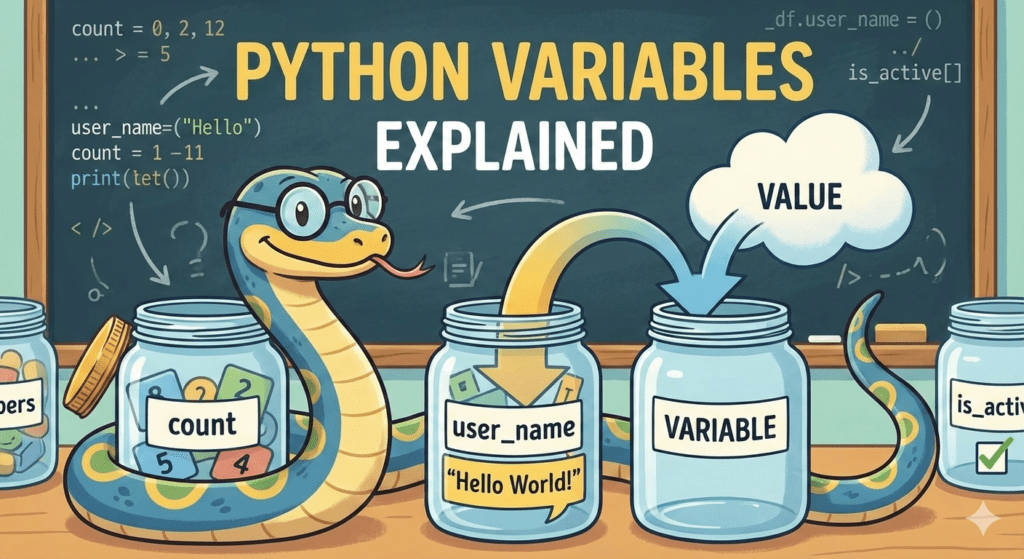
Today, we’ll learn Python variables in the simplest way possible — no scary words, no confusion, just fun examples 🐾
What Is a Variable?
Python variables are named box that stores something.
It can store:
- A number
- A word
- A sentence
- Even emojis!
Think like this:
Variable = Name + Value
📦 Box name → what you call it
🎁 Value → what you store inside
Real-Life Example
You have a box called toys.
Inside it, you put 5 toy cars.
In Python, that looks like:
toys = 5
Now Python remembers:
👉 toys means 5
Your First Python Variable
Let’s create your first python variable together.
age = 10
Here’s what’s happening:
- age is the box name
- = means “put into”
- 10 is the value
Now let’s print it:
print(age)Output:
10
🎉 Boom! You just used a variable.
Python Variables With Words (Strings)
Words and sentences are called strings in Python.
Strings must be inside quotes ” “.
Example:
name = "Alex"
print(name)
Output:
Alex
More Fun Examples
favorite_food = "Pizza"
print(favorite_food)
school = "Python Cubs School"
print(school)
emoji = "🐍"
print(emoji)
Python doesn’t care what you store — it just remembers it for you!
Important Rule (Very Important!)
❌ This is WRONG:
name = Alex✅ This is CORRECT:
name = "Alex"Why?
Because Python thinks Alex is a box (variable), not a word.
Words need quotes. Always.
Using Python Variables With Math
Variables love math!
a = 5
b = 3
print(a + b)
Output:
8
Another example:
score = 10
score = score + 5
print(score)
Output:
15
Python updates the box with the new value.
Changing Python Variables Value
Variables can change.
points = 20
print(points)
points = 30
print(points)
Output:
20
30
Same box, new value!
Mixing Variables and print()
You can print words and variables together.
name = "Sam"
age = 10
print("My name is", name)
print("I am", age, "years old")
Output:
My name is Sam
I am 10 years old
Fun Example: Emoji Counter
snake = "🐍"
print(snake * 5)
Output:
🐍🐍🐍🐍🐍
Kids LOVE this one 😄
Common Beginner Mistakes
❌ Using spaces in variable names
my name = "Alex"✅ Correct:
my_name = "Alex"variable names shall never contain blank space in between
❌ Starting with a number
1score = 10✅ Correct:
score1 = 10❌ Forgetting quotes
food = Pizza✅ Correct:
food = "Pizza"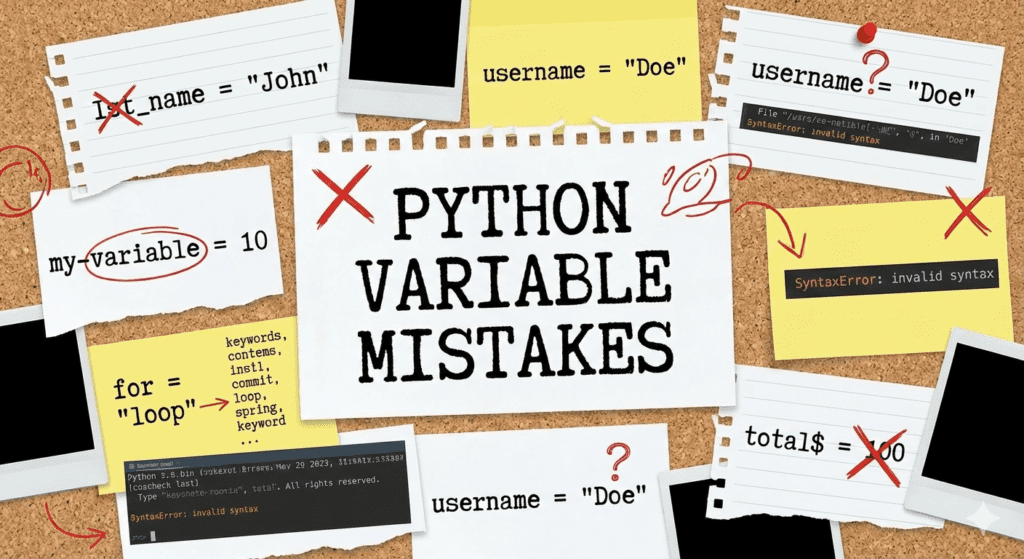
Mini Practice (Try These!)
1️⃣ Store your name in a variable and print it
2️⃣ Store your age and print it
3️⃣ Store your favorite emoji
4️⃣ Add two number variables
5️⃣ Change a variable’s value and print again
Example:
name = "You"
print(name)
Think Like a Programmer
Variables help you:
✔ Remember things
✔ Reuse values
✔ Write cleaner code
✔ Build games and apps
Every big game or app starts with simple variables like these.
🚀 What’s Next on Python Cubs?
Now that you understand variables, next you’ll learn:
- User input
- Simple math programs
- Conditions (if-else)
- Mini games
You’re doing amazing, Python Cub 🐾
Keep going — the fun has just started!
🔜 Next Lesson
👉 Getting Input From the User in Python (Beginner Friendly)
Also Read
Your First Python Program in 10 essential steps
Install Python on Any Computer
Python: What Is It? Learn Python with an Easy Guide for Complete Novices